

Last week I launched Aphelion, a block theme for astrophotographers, as a store exclusive. No ThemeForest listing, no marketplace review queue. The theme itself took months to build, but the launch, everything between “the theme is done” and “people can buy it”, took two days. This post is the checklist I followed, including the parts where I got it wrong, for anyone selling themes direct.
Some context: Aphelion replaces T.Joy, my astronomy theme that spent 12 years on ThemeForest. So this launch had two halves: putting a new theme on the store, and retiring an old one responsibly. If you don’t have a predecessor to sunset, the second half won’t apply to you, but the ordering lessons there might be the most useful part.
Day one: registering the product
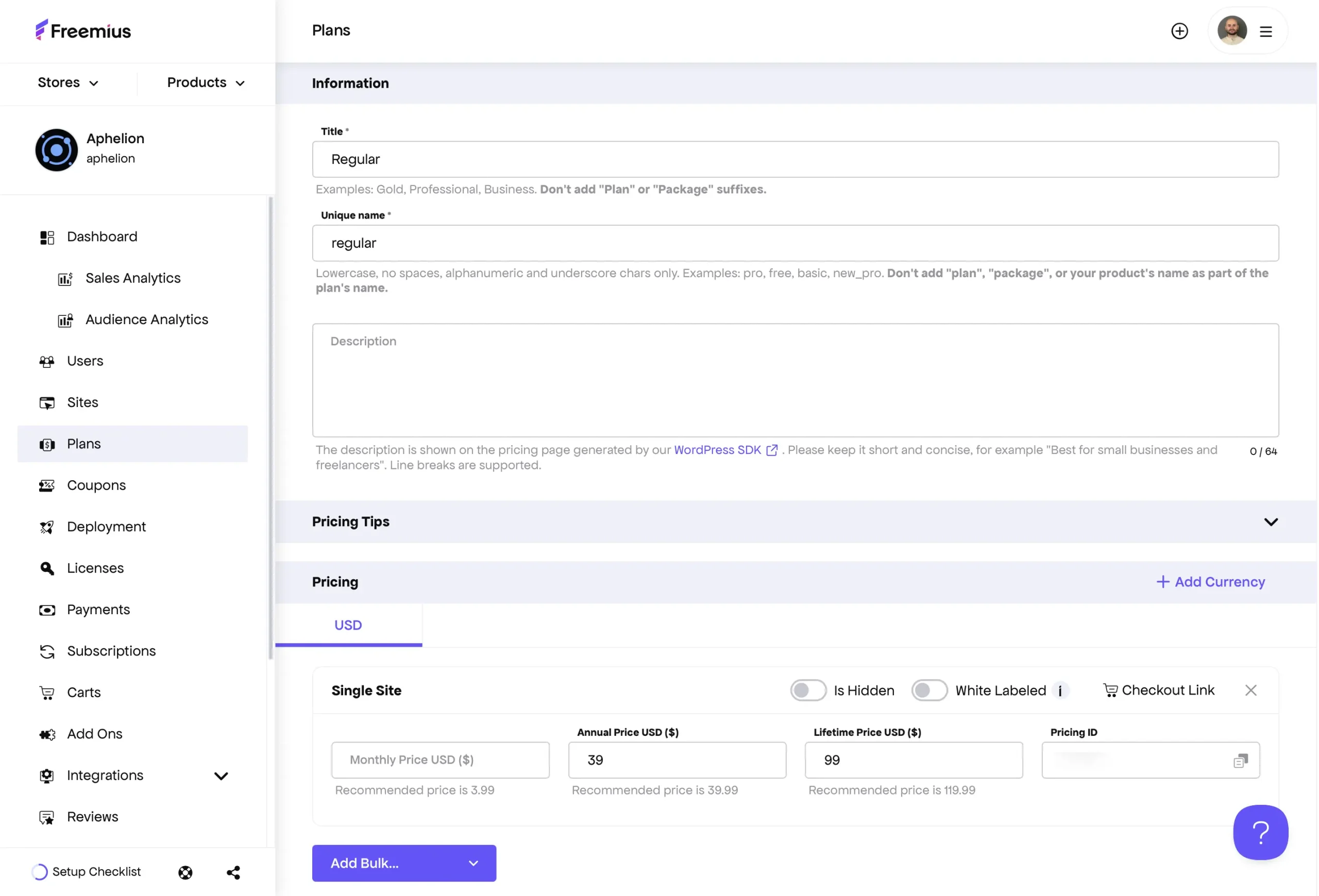
I sell through Freemius. Registration is a wizard, and most of its defaults were wrong for a premium-only theme, so check each of these:
- Turn the free plan off if you don’t have one. The wizard assumes freemium.
- The paid plan slug should match your theme’s directory name exactly, not
yourtheme-premium. This bites you later in the SDK. - If your theme has no settings page, say so. Pointing the SDK menu at a page that doesn’t exist breaks the license activation screen with a permissions error, and it’s miserable to debug.
- Decide what happens when a license expires. I use “keep features, block updates and support”. A customer’s live site breaking on the day their license lapses is not the relationship I want.
- Set your renewal discount and refund window now (mine: 40% and 14 days). They’re part of the pricing story on your product page.
One trap that cost me an hour: the license opt-in email goes to the WordPress admin email of the site you’re testing on. If your dev site is a clone, that address is probably stale.
The SDK, demo import, and packaging
The Freemius SDK went into the theme with the license page under Appearance rather than a top-level menu. Bundled plugin installs and the demo import are gated behind an active license; the demo import runs through the One Click Demo Import plugin with content exported from the live demo site.
Two packaging notes that matter more than they sound:
- Freemius parses your readme.txt to build the release. If the stable tag or changelog is stale, your deployment metadata is stale.
- Test the processed zip, not your local build. Freemius injects itself into the artifact, so download what it produced, install it on a clean WordPress, and walk the whole path: locked demo import before a license, unlocked after, front page set correctly. I caught a real bug this way (a “Meet the team” button pointing at a page slug that didn’t exist in the demo content).
Day two: the store page
The product page is the sales pitch, and it follows the same structure on every theme I sell: a short intro, a “what’s included” grid, screenshots, the technology, and an FAQ that answers the questions people actually email me (license terms, bundled plugins, refunds, setup help).
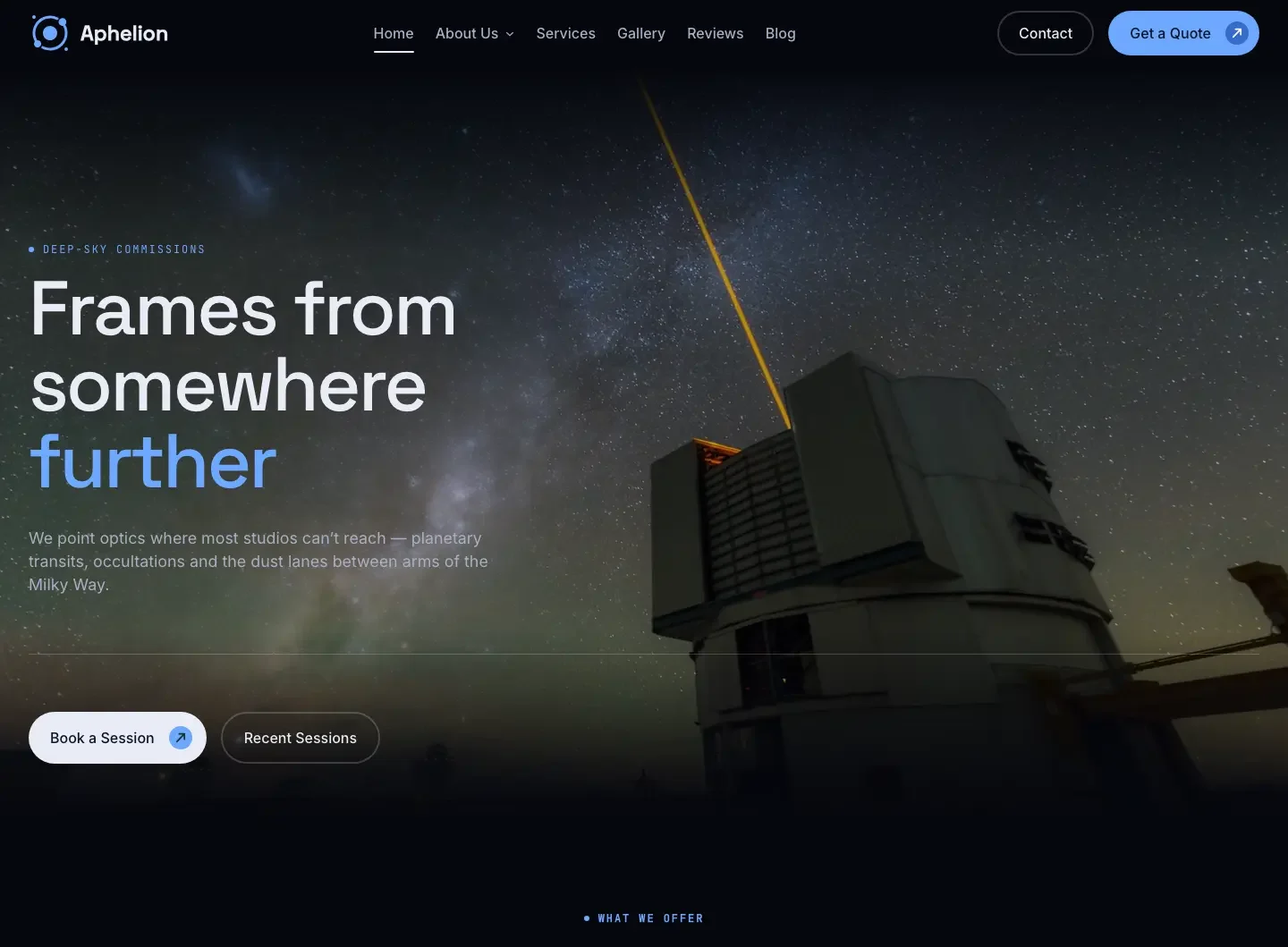
Two things I’ve settled on after doing this a few times. Screenshots are top-of-page viewport captures, not full-page scrolls; a 6,000-pixel-tall image tells the visitor nothing at thumbnail size. And the meta title follows one boring format, “Theme WordPress Theme for Niche”, with the starting price at the end of the description so it survives truncation in search results.
Docs and support went live the same day: documentation cloned from the nearest sibling theme and edited per article, and a support category wired to validate license keys. One thing to check if you’re writing theme docs right now: WordPress 7.1 moved logo and favicon setup into the Site Editor’s Identity panel, and most older doc articles point at the wrong screen.
Day two, evening: retiring the predecessor
This is where ordering really matters, and where I’d have made an expensive mistake without thinking it through.
The sequence that worked:
- Disable marketplace support first. The moment retirement is decided, stop taking money for support renewals on the old item. Existing support windows get honored until they expire.
- Create the loyalty coupon before telling anyone. T.Joy owners got 40% off Aphelion. Set it to first payment only if your plans already carry a renewal discount, or the two will stack into a number you didn’t intend.
- Verify the buyer list before emailing it. I pulled buyer emails from the old theme’s activation logs, deduplicated them, and ran the list through verification. A third of the addresses were dead. Emailing them anyway would have meant a bounce rate that gets a sender account suspended, and this was a one-shot announcement.
- Send the retirement email. The structure: your site keeps working, no further updates, support honored, here’s the successor, here’s your discount with exact prices, and an honest line that the successor is a different theme, not an update, so nobody feels pressured. Sent from a real reply-to address.
- Only then, the banner on the marketplace page. This order is the point. If the banner goes up before the email, a loyal customer might buy the new theme at full price hours before their discount arrives. Announce to the people who paid you first, then to the public.
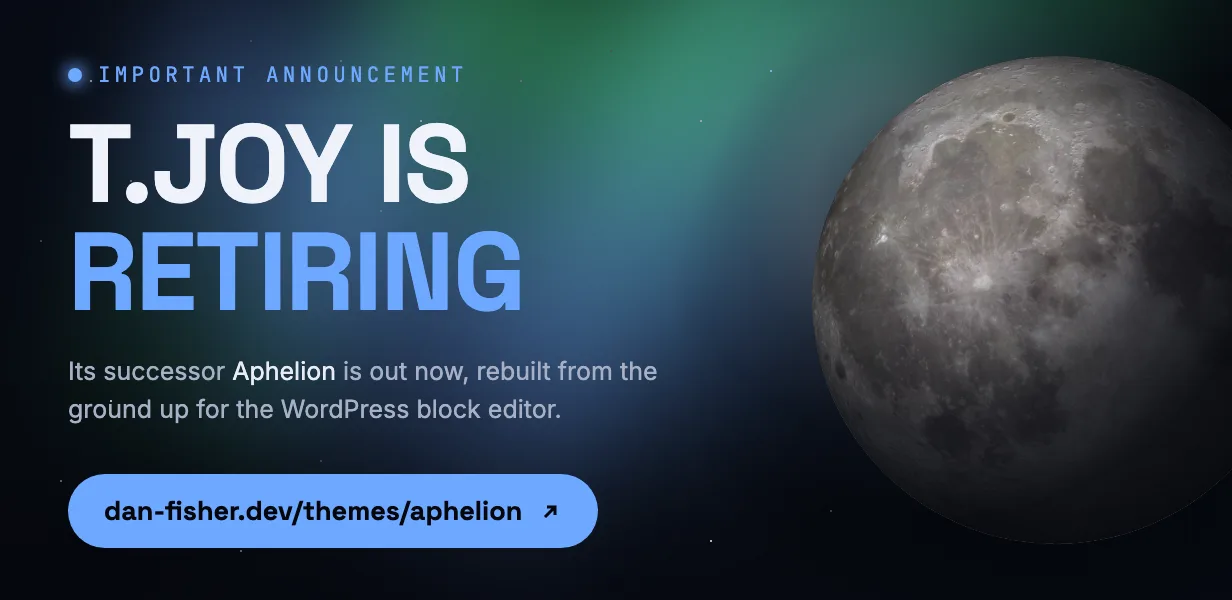
The old item stays listed for now with support off. It costs nothing, informs new buyers via the banner, and works as a free ad for its successor in marketplace search. I’ll decide on delisting in about two months based on whether it still refers traffic.
What happened
The first Aphelion sale came less than 24 hours after the retirement email: a T.Joy owner who read it, spent ten minutes on the product page, checked the demo, and bought a lifetime license with the discount. One sale is one sale, and Aphelion is a niche theme that will never top a chart. But the machine worked end to end on the first run, and the next launch, for a much bigger theme, gets to reuse every piece of it.
If you’re doing something similar and get stuck on a step, the pre-sale form on my support page reaches me directly. I’ve now hit most of the traps so you don’t have to.