

Hockey fans visit a club website at two moments: before a game, to check when and where it is, and after it, to see the score and who scored. If the site answers both within a few seconds, people come back every week of the season. If last Saturday’s result still isn’t up on Tuesday, they stop checking.
This guide covers what an ice hockey club or league website needs and how to build it with WordPress and SportsPress, the free plugin for sports data. I use Alchemists, my sports theme, as the worked example, and every screenshot comes from its hockey demo. The checklist at the end works with any theme, though.
What a hockey club website has to do
- Show the schedule: dates, start times and arenas.
- Post results the same night, with the goals for each period.
- Give every player a page with their number, position and stats.
- Keep the standings current without anyone retyping a table.
- Tell the club’s story between games: news, photos and video.
- Help pay the bills, with a shop for jerseys and a page for sponsors.
- Work on a phone, because that’s where fans check scores.
Enter each game once
The habit that saves the most time is entering each game once, in one place. In SportsPress a game is an event: two teams, a date and a venue. After the final buzzer you add the goals for each period and each player’s numbers. From that single entry, the results list, the league table and every player’s season totals update themselves.
Start by setting the sport to Ice Hockey in the SportsPress settings. If you use Alchemists, its hockey plugin, Alchemists Ice Hockey for SportsPress, then adds hockey positions, box score columns and season statistics, and counts points as goals plus assists.
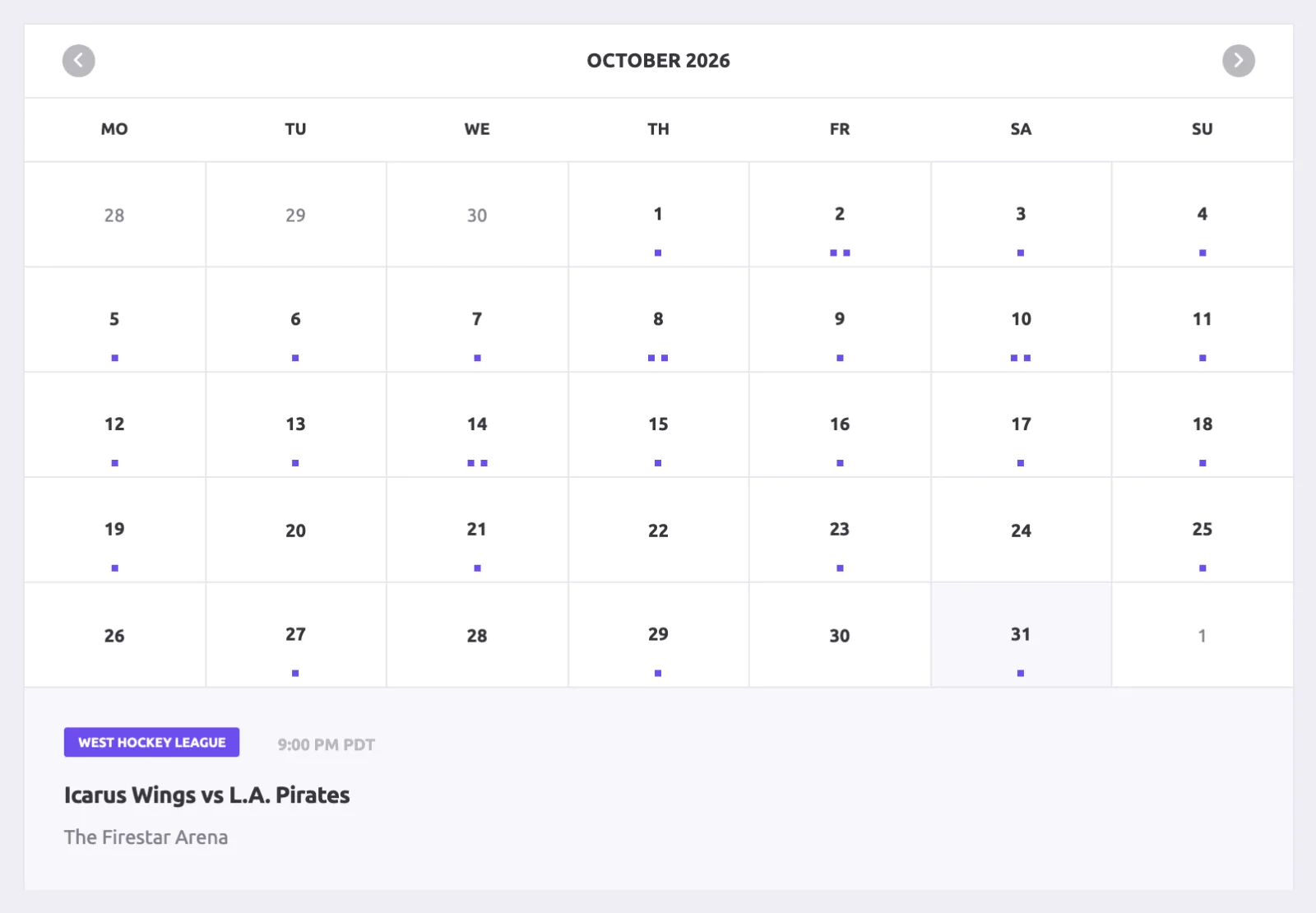
Show the schedule as a calendar
Most people open the schedule to find out one thing: when is the next game? A calendar answers that at a glance. A list works better for scanning a whole season. Both views come from the same SportsPress calendar, so you keep one schedule and show it two ways.
Give every game its own page
After a game, the game page is the one people share. Put the final score at the top with the goals for each period, then let anyone who wants more go deeper.
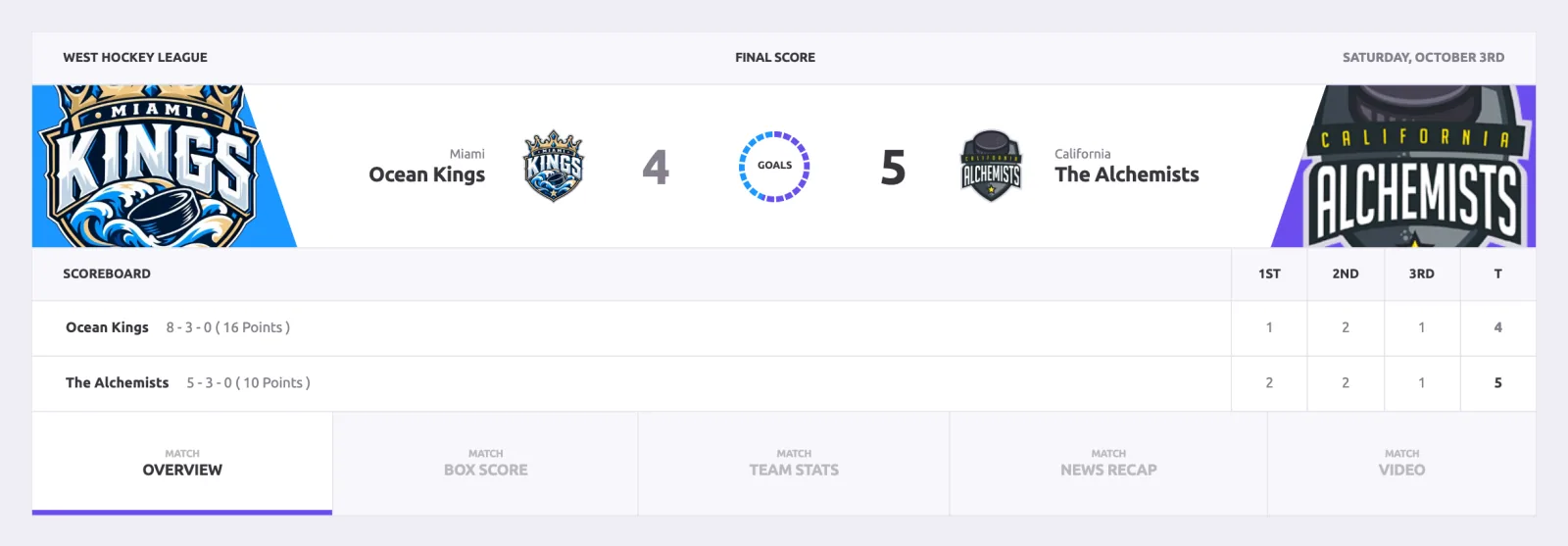
Below the score, the overview brings together the video recap, the game leaders and the match statistics: shots, hits, penalty minutes, giveaways, takeaways and faceoffs.
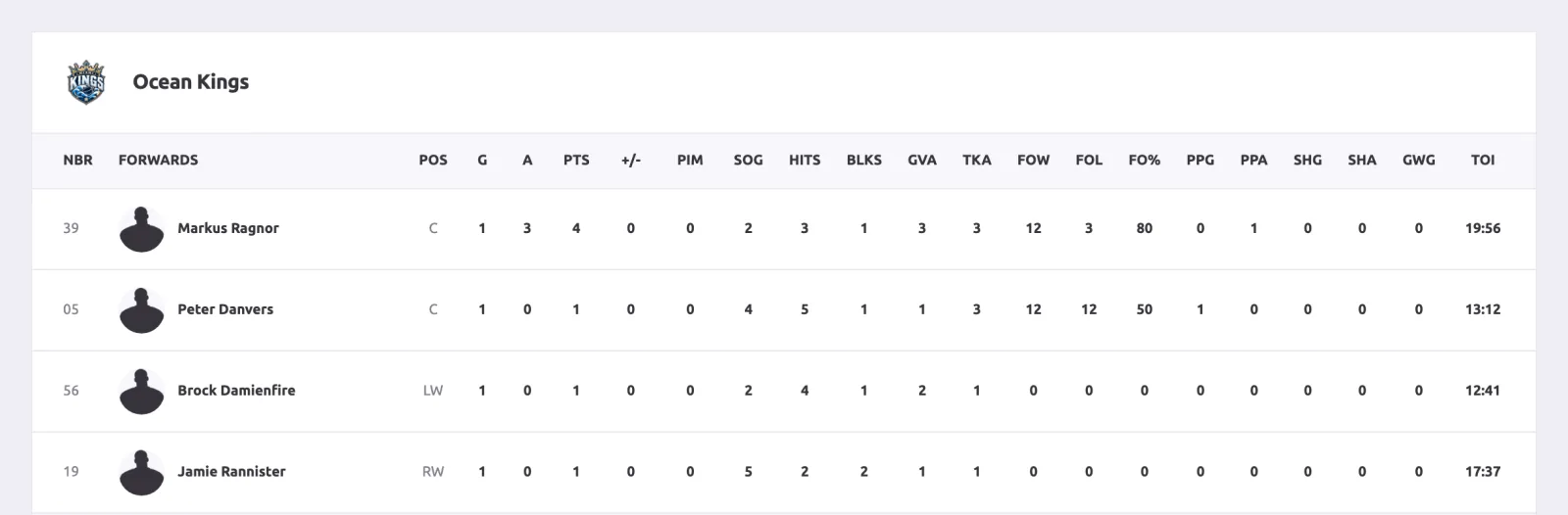
The box score is where hockey fans dig in. Each player gets a line with goals, assists, points, plus-minus, penalty minutes, shots on goal, faceoffs and time on ice. Goalies get saves and save percentage.
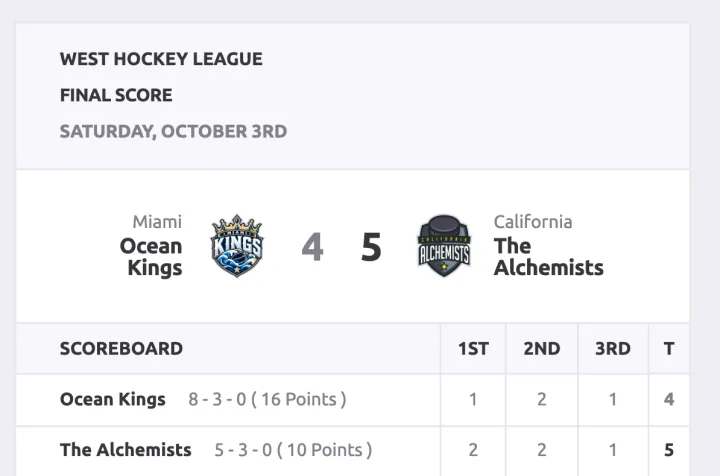
Then check the same page on a phone. People look up scores in the stands and on the way home.
A page for every player
Give every player a page with a photo, jersey number, position and the stats that matter for that position. Skaters are judged on goals, assists and points, goalies on saves and save percentage.
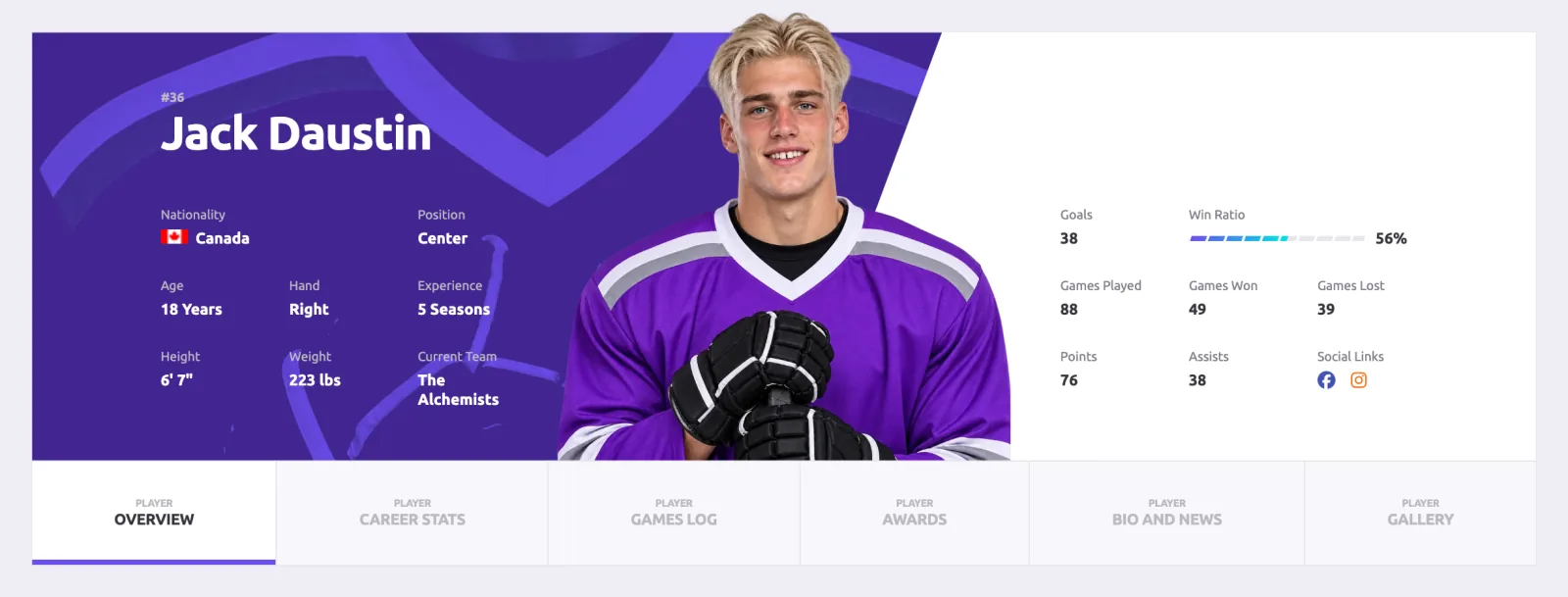
The season stats come from the box scores, so a player page stays current as long as someone enters the games. Alchemists also puts a short glossary under the player stats tables, so newer fans can look up what PIM or SOG means.
Standings and league leaders
If your club plays in a league, fans will want the standings. SportsPress builds the table from your game results: games played, wins, losses, overtime losses, points, goals for and against, the last ten games and the current streak. Enter a result and the table sorts itself again.
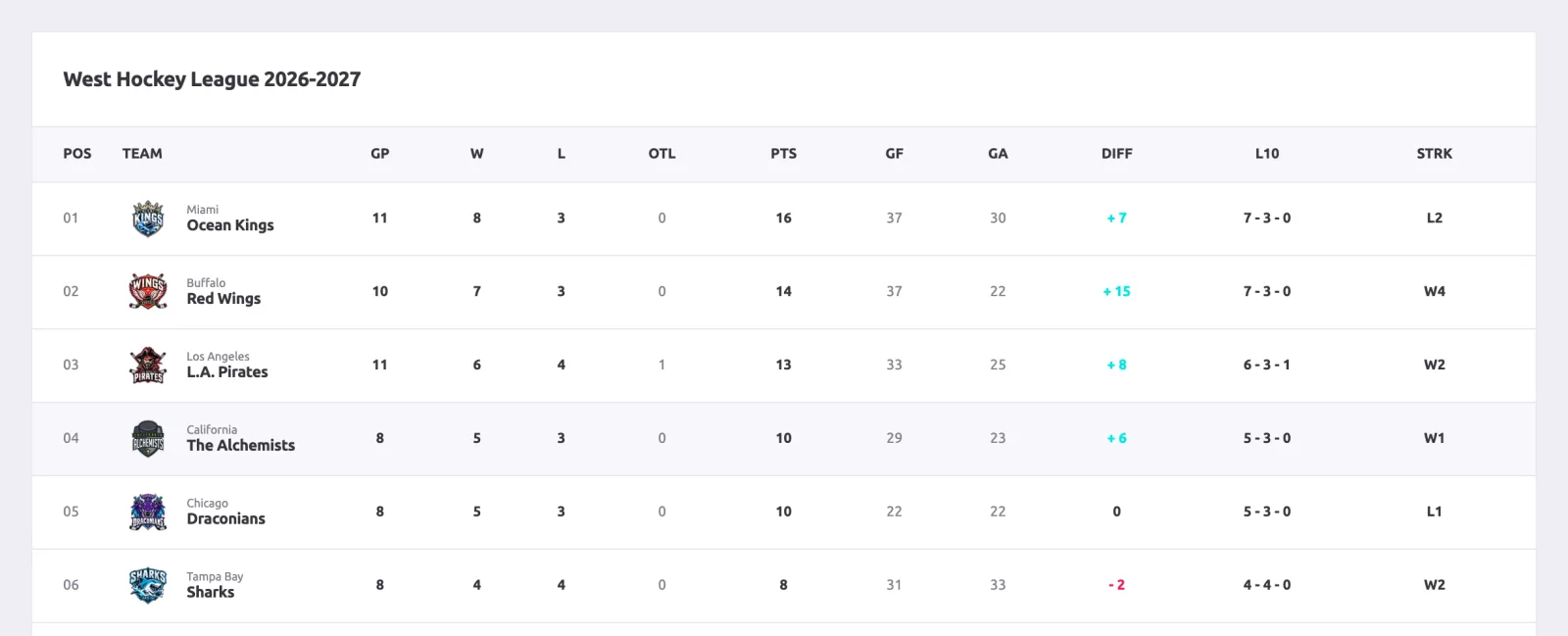
A league leaders page works the same way for players: it adds up their box scores and ranks them by points. If you run a league rather than a club, the same pages cover every team: each one gets its own team page, roster and schedule.
News, video and sponsors
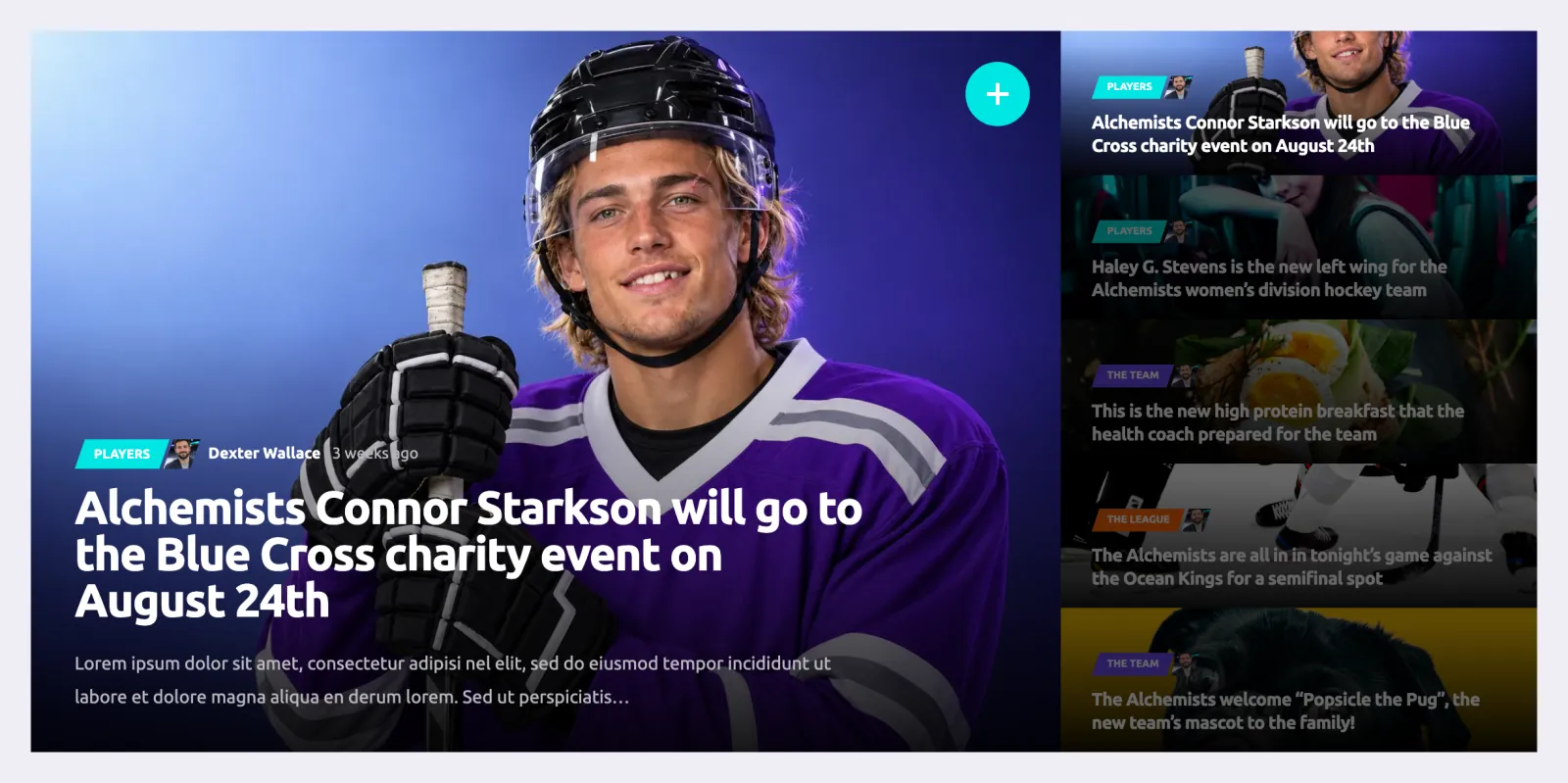
Between games, news is what brings people back: previews, recaps, signings, injuries and community events. Video posts work well for highlights. The hockey design comes with three blog styles to choose from.
Give your sponsors a page too, with each logo, a line about how they support the club and a link to their site. It’s an easy thing to offer when you ask a local business for support.
Sell jerseys and gear
Most clubs sell something: jerseys, hoodies, beanies, season tickets. WooCommerce, the free shop plugin for WordPress, handles the products and the payments, and Alchemists styles the shop to match the rest of the site.
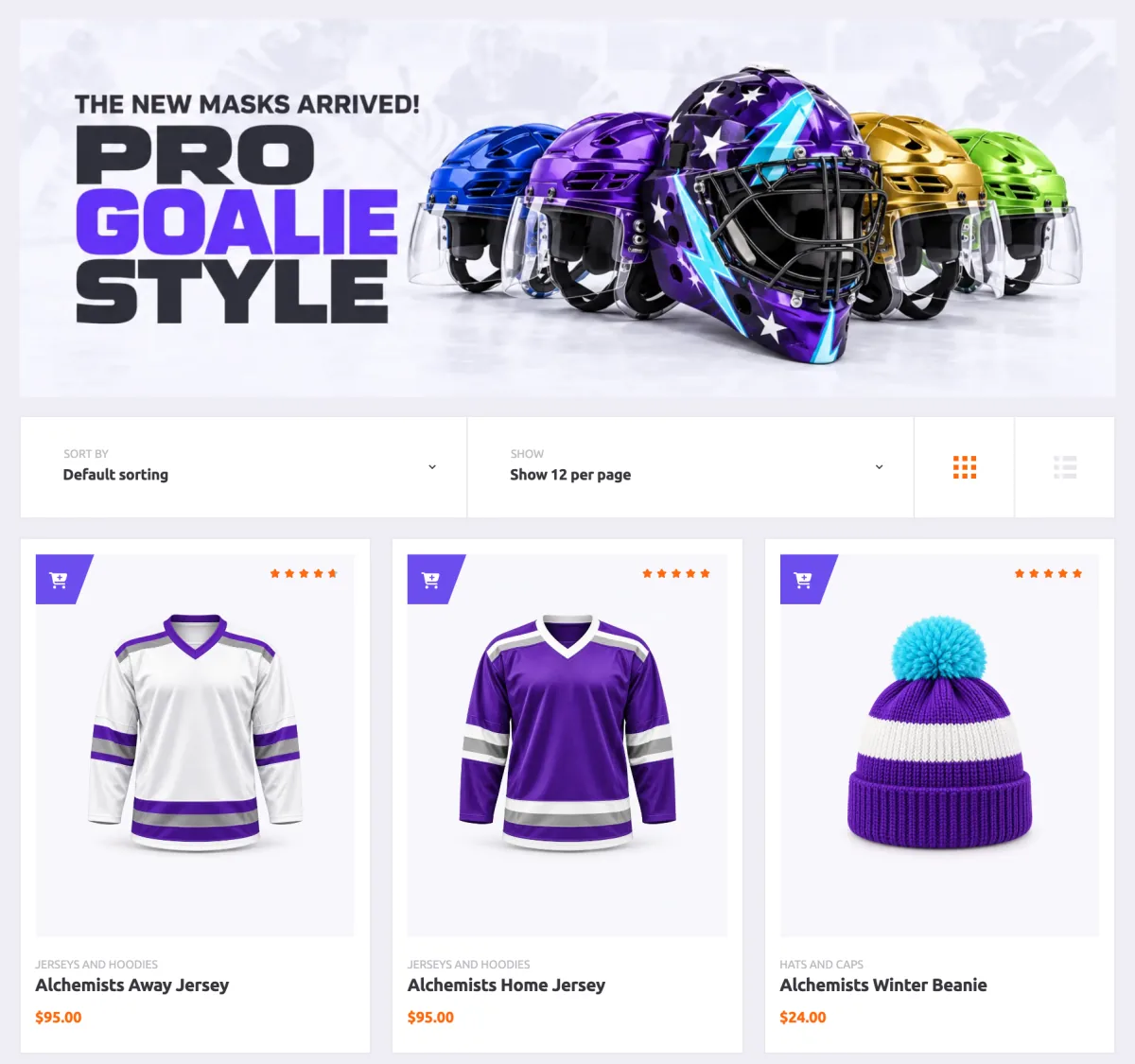
If you only sell a few items, a handful of products linked from the menu is enough. Add categories and filters once the range grows.
How to set it up
- Install WordPress and the Alchemists theme, and activate your license.
- Install the plugins the theme asks for, including SportsPress and Alchemists Ice Hockey for SportsPress. Add WooCommerce if you want a shop.
- Set the SportsPress sport to Ice Hockey. Alchemists switches to its hockey design.
- Import the hockey demo with one click, then replace the sample teams, players and games with your own.
- Add your league and season, your teams and players, then the season’s games. My SportsPress league tutorial walks through this part step by step.
- After each game, enter the result and the box score. The rest of the site updates from there.
Before the season starts
- Enter the whole season’s schedule, so the calendar is full from the first week.
- Add every player with a photo, number and position. Take all the photos in one session, against the same background, so the roster looks consistent.
- Decide who enters the result and box score after each game, and give that person their own login.
- Replace the demo’s sponsors and products with your own, or leave those pages out of the menu until they’re ready.
- Open the schedule, a game page and a player page on a phone before you share the link.
Build it with Alchemists
Alchemists is the sports theme I make for WordPress, built on SportsPress. Version 5.0 added a full hockey design, with game pages and box scores, player pages with career stats, standings, a shop and a one-click demo with every page from this guide.