
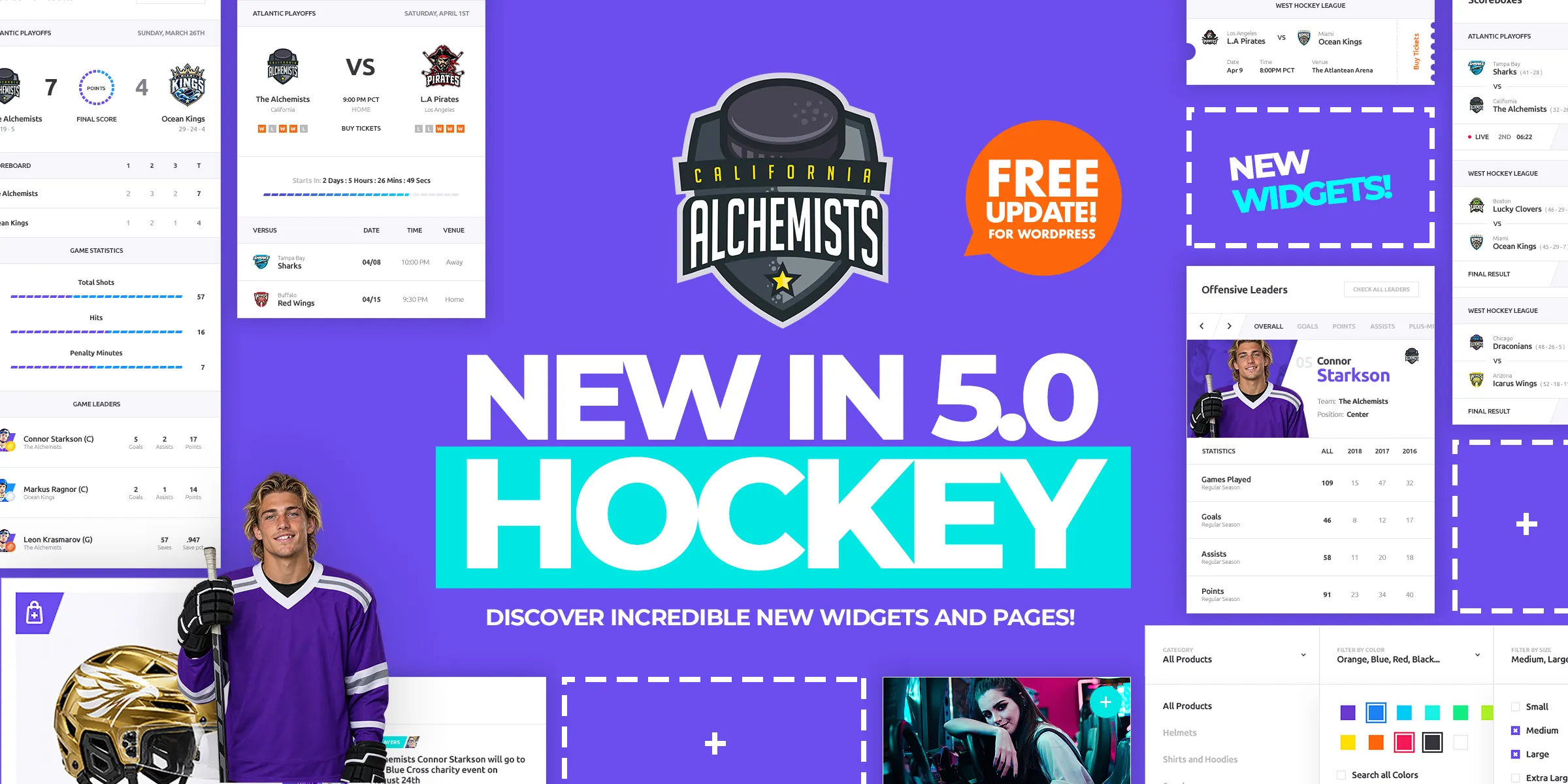
Alchemists 5.0 is out, and the big addition is a new design for ice hockey clubs and leagues. Until now, hockey clubs running Alchemists got the basketball design. Hockey now has its own look: header, home pages, player, team and game pages, shop and blog styles, and a one-click demo to start from.
It’s a free update for every Alchemists license and for ThemeForest buyers. You can click through all of it on the hockey demo.
What’s in the Hockey design
The pages people open most during a season, players, teams and games, each get a full hockey layout with subpages of their own.
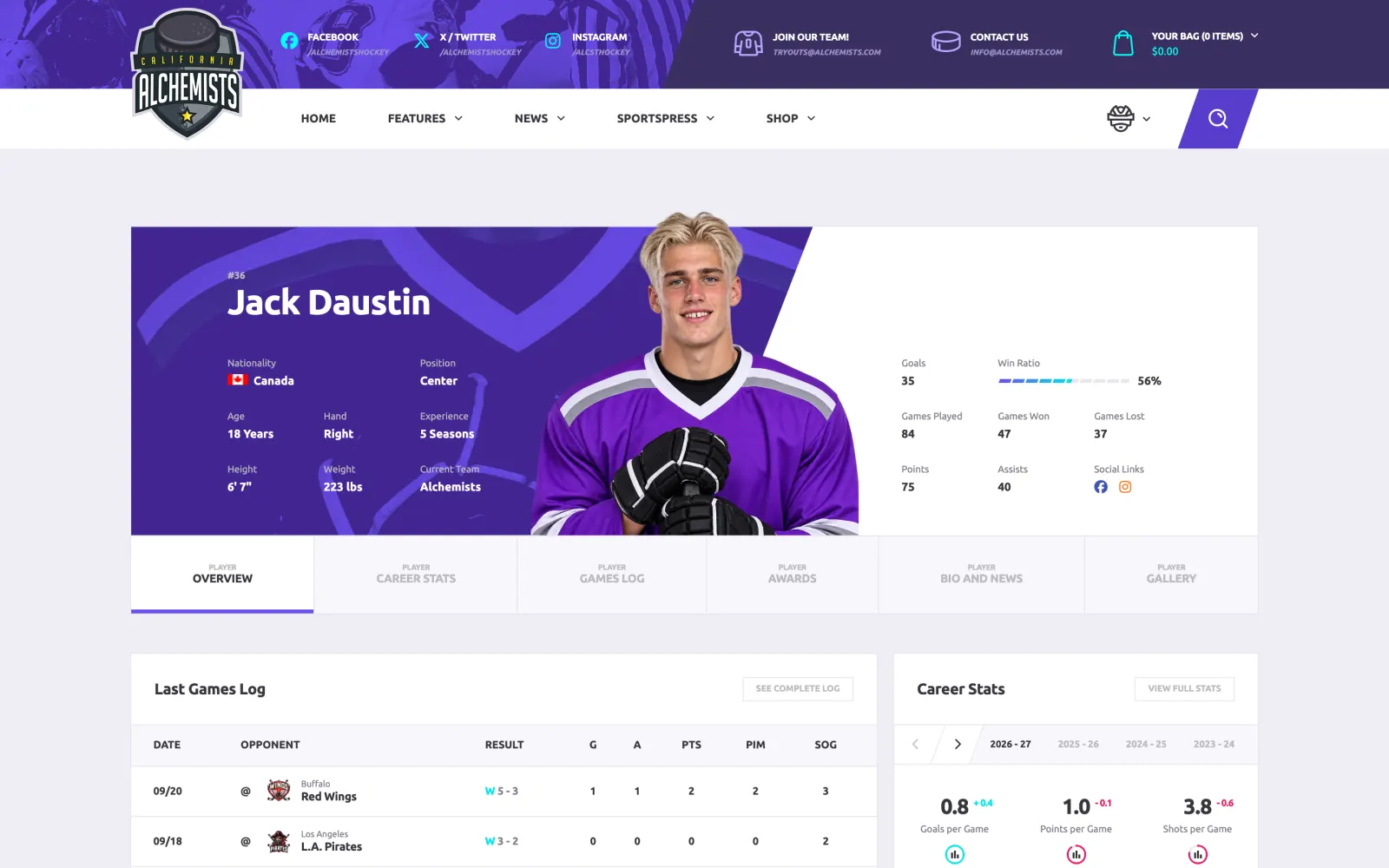
A player page opens with the profile and the key numbers, then splits into Career Stats, Games Log, Awards, Bio and News, and Gallery.
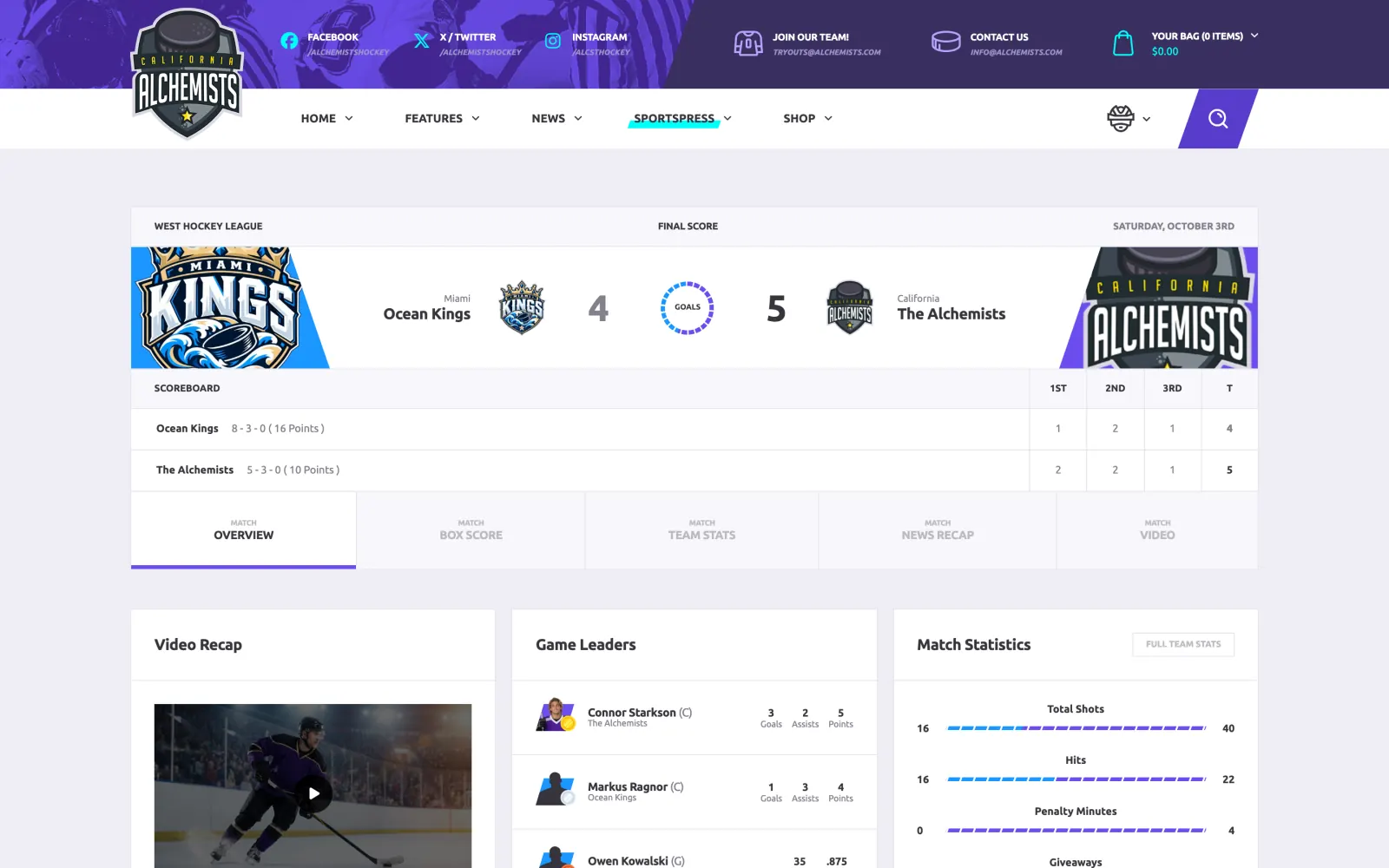
Game pages show the score by period, with Box Score, Team Stats, News Recap and Video next to the overview. The overview itself brings together the video recap, the game leaders and the match statistics.
Team pages follow the same pattern. For the rest of the site there are new WPBakery Page Builder elements and templates, including League Leaders, Featured Event, Event Match Statistics, Player Career Stats and Team History. The blog gets three Hockey styles, and the shop is styled to match.
The quickest way in is the one-click demo import: you start from a complete hockey site and swap the sample content for your own.
The Alchemists Ice Hockey for SportsPress plugin
The new design comes with a new plugin. Alchemists Ice Hockey for SportsPress adds hockey positions, player metrics, box score columns and season statistics. It’s required when your SportsPress sport is Ice Hockey, and it installs from the theme’s plugin installer once your license is active. ThemeForest buyers will also find it in the Plugins folder of the full download.
When you activate it, it adjusts the ice hockey setup in SportsPress: column titles and order, position groups, points counted as goals plus assists, and how minutes show in the box score. If you’ve customized any of those yourself, check them after activating.
The installer also recommends the free SportsPress for Ice Hockey extension from WordPress.org.
Also in this release, for every sport
- New Theme Options: Header Layout 5, Title Layout 3, Gallery and Carousel layouts for the Hero Unit posts slider (also per page), Single Video Post Layout 2, outline posts filters, a header accent bar for cards, and a 5-column footer.
- A player statistics glossary under the statistics tables, in all designs.
- A “Blog – Sidebar” widget area for the blog page and archives.
- New widgets, ALC – Post Author and ALC – Social Buttons, plus Top Posts, Recent Posts and Recent Videos page builder elements.
- An optional author name next to the date on single posts (Layouts 1, 6 and 7). Turn it on under Single Post in Theme Options.
- Shop links can open the grid or list view directly with
?view=gridor?view=list. - The X logo and colour replace the Twitter bird.
- Player, team and game subpages each have their own page title and canonical address, and new or renamed subpages no longer show “Page not found” until you save permalinks.
- No more “Invalid URL in field id” breadcrumb warning in Google Search Console.
- Fixes for the checkout login form, the WooCommerce password toggle and review badges, team roster colours, and a handful of PHP notices.
- Easy Custom Sidebars is no longer offered in the plugin installer because it was closed on WordPress.org. Sidebars you already made keep working.
- Alchemists Extensions 2.7.0 and Twitch for WordPress 3.2.5.1.
Before you update
Take a backup first, as with any major version. Then a few things worth knowing:
- If your SportsPress sport is Ice Hockey, your site switches to the new Hockey design. To keep the current look, go to Theme Options > Styling > Design and choose Basketball.
- Game pages keep the Classic layout. The Extended layout from the demo is opt-in, under Theme Options > SportsPress > Event > Layout.
- On eSports sites, the player page shows as a single page (the Overview) unless you set Theme Options > SportsPress > Player > Layout to Extended.
- The hockey plugin changes the SportsPress ice hockey setup when you activate it, as described above.
Getting the update
If you have an active license, 5.0.0 is already waiting in your WordPress dashboard.
Bought on ThemeForest? Download 5.0.0 from your Downloads page, upload it under Appearance > Themes > Add New Theme > Upload Theme, and choose “Replace active with uploaded“. Or convert your purchase code into a free license key on the Migrate page and get updates in the dashboard from now on.
If your license has expired, renewing brings updates back, this one included. What happens when my license expires? covers the details.
New to SportsPress? Start with the league setup tutorial: fixtures, standings and player profiles, step by step.